Report editor


Your reporting standards now live in Kick. Customize your financial reports once, then reuse them across your businesses or your firm’s clients.
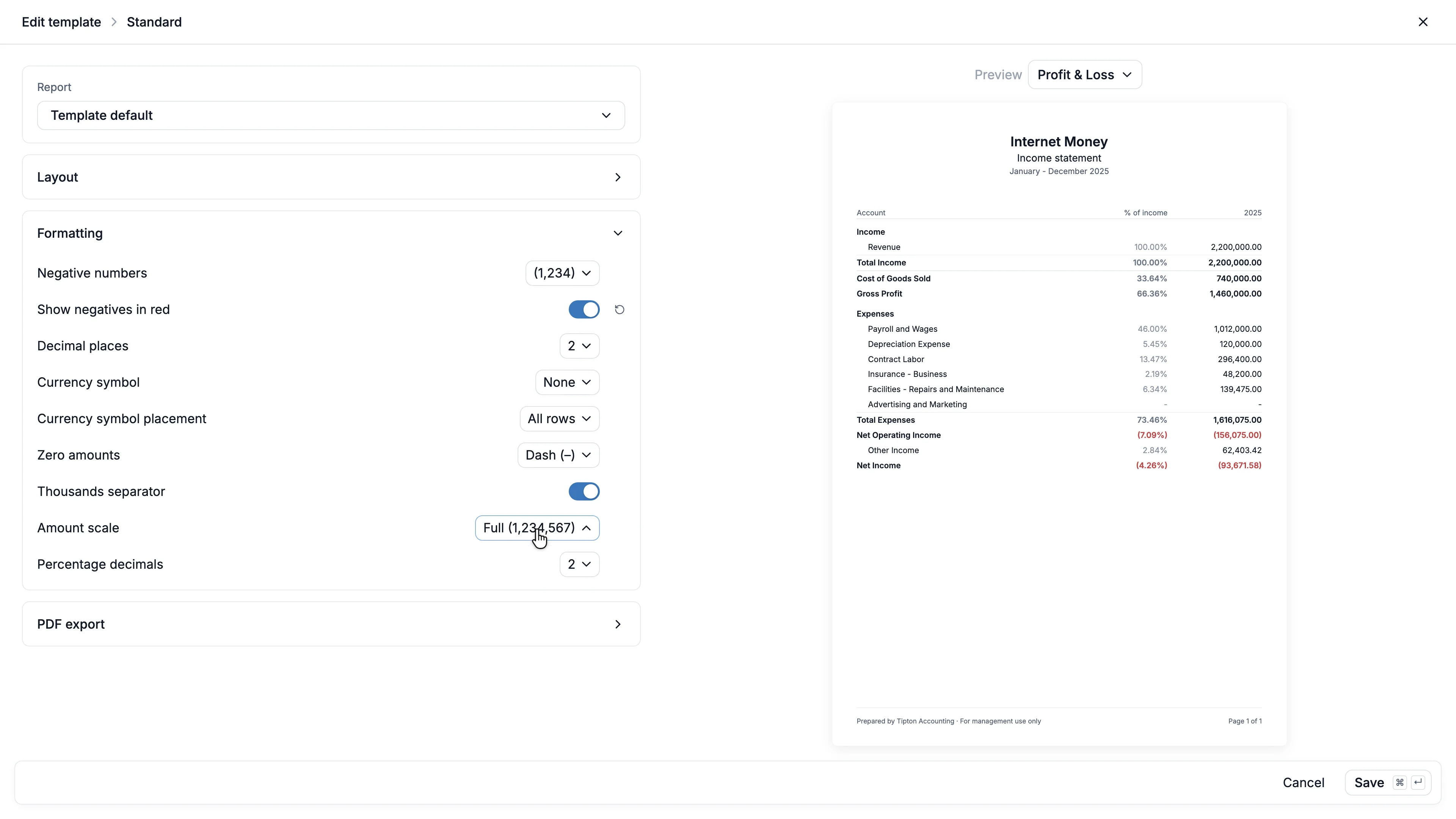
Every business has different reporting needs. Getting financial reports into the format you need can mean paying for another reporting tool or spending time reformatting them yourself. When you repeat that every month for every business you manage, the cost adds up quickly.
With custom reports, you can save your reporting preferences directly in Kick and reuse them across entities. Firm templates let accountants apply shared standards across clients, with individual settings wherever they need to differ.
Here’s what’s new:
Custom reports
- Rename reports and add dynamic fields for the entity name, period and basis that update every time you run a report
- Add your logo, a disclaimer or a Draft watermark to your PDF
- Choose your number formats and show amounts in thousands or millions
- Hide accounts with no activity or no balance
- Save a workspace default for every entity, then customize a single report or entity when it needs to differ
- Your wording, number format and logo carry into your PDF, Excel and Google Sheets downloads
Firm templates
- Create a library of templates with your preferred report layout and formatting
- Apply templates to the clients and entities you choose
- Set a firm default for clients without an assigned template
- Override individual settings for a client or entity
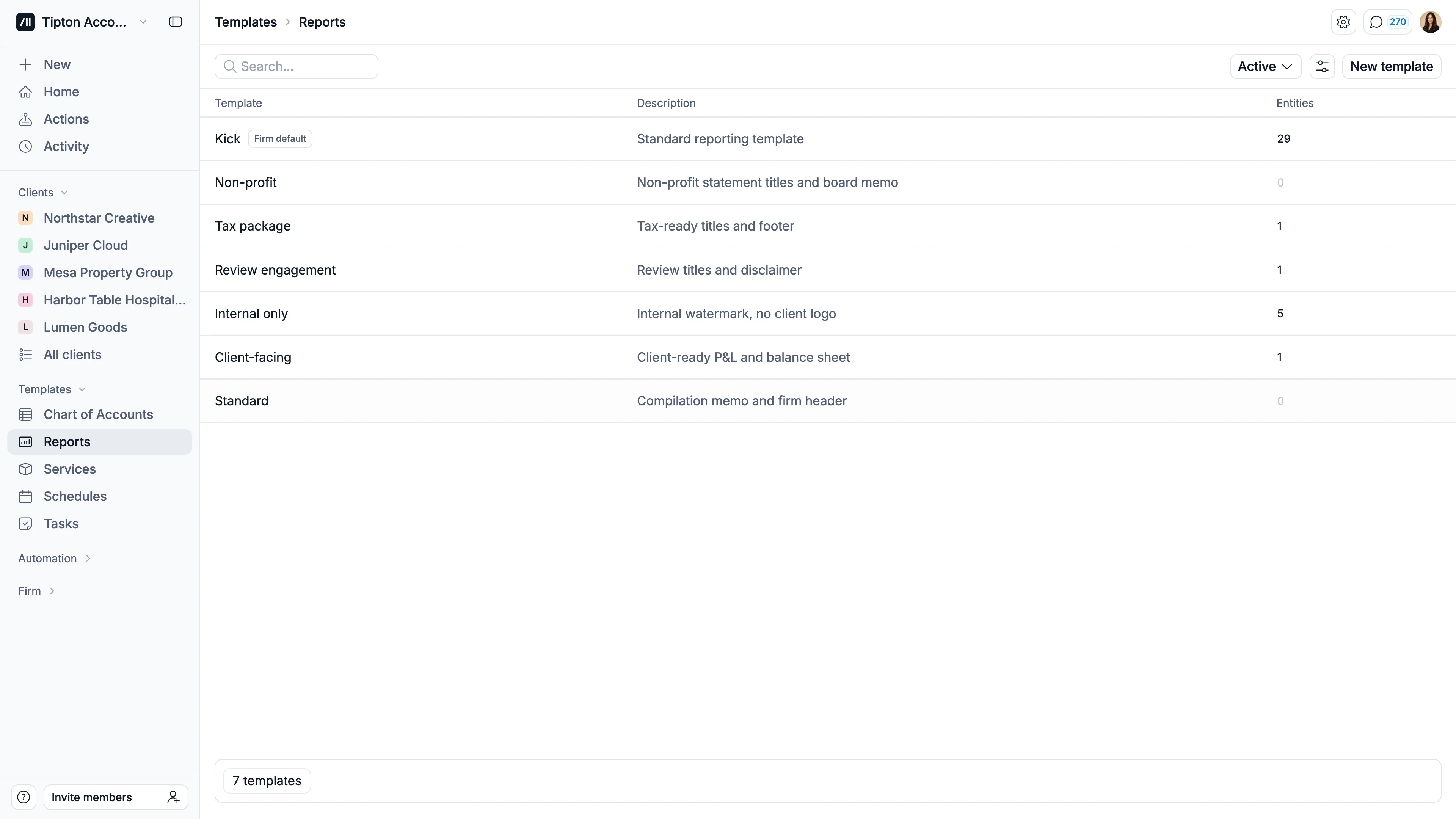
With the Kick MCP, your AI assistant can build and use templates from a single prompt. Ask Claude or ChatGPT to “Show amounts in thousands and add our disclaimer for all my entities” or “Create a lender-ready template and assign it to all my clients”.
To get started: open Settings → Accounting → Preferences and choose Customize reports in your workspace, or Templates → Reports in your firm view.
Learn more about Custom reports or Firm report templates.